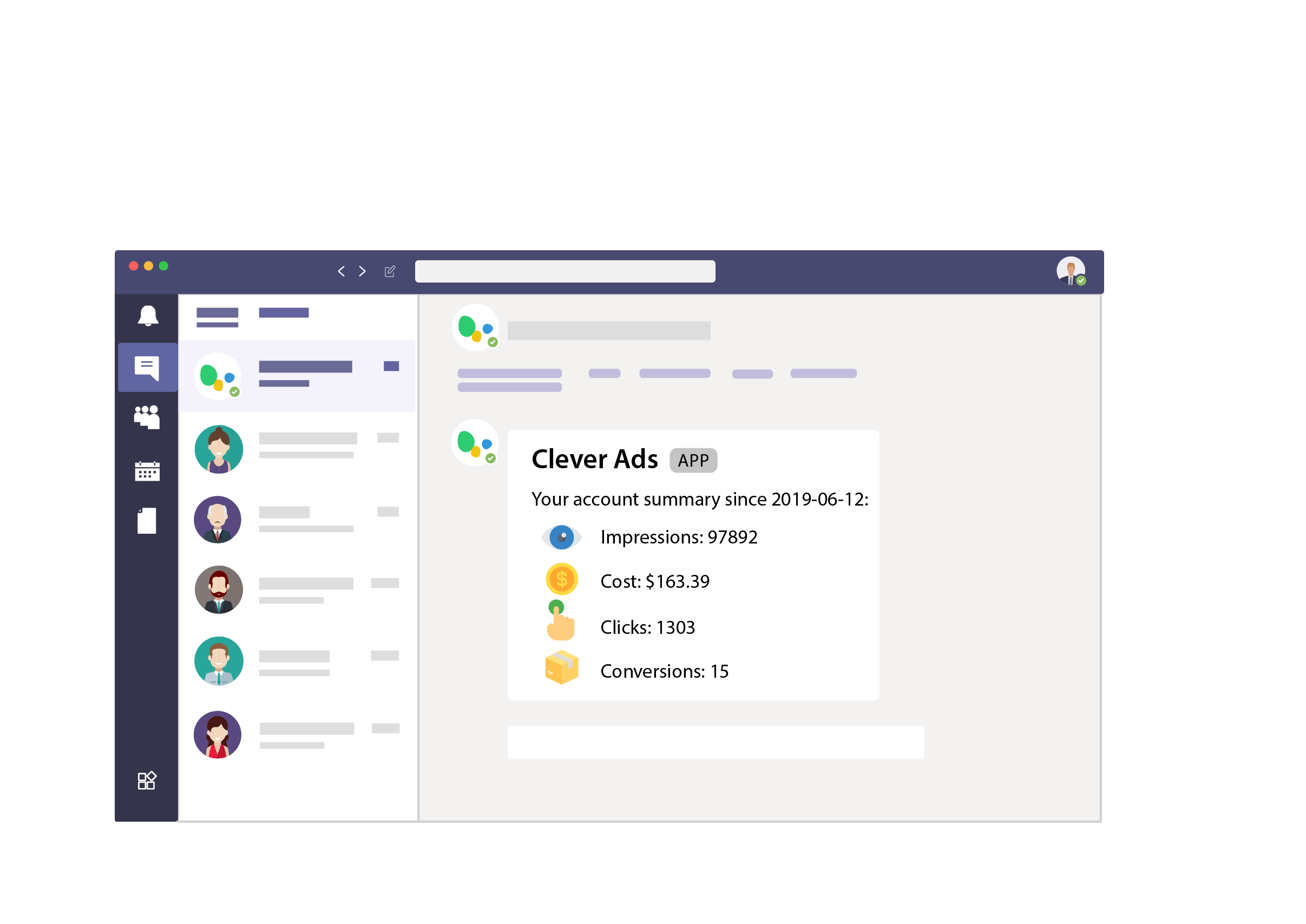
Our Microsoft Teams integration consists of a whole series of very interesting and interesting features for your business and your team. At Clever Ads we have designed them with the objective of providing our users with the best usability, as well as with the main idea of increasing the productivity of the teams. All the features you will find in our Microsoft Themes Integration have been created taking into account the feedback and reviews of our previous users, we try to stick to what you, our customers, want.
Do not hesitate and install our application- with it, you will access a fully customized control panel from which you will be able to:
- Fully configure the bot.
- Schedule your reports.
- Configure your alerts.
You can share our Microsoft Teams integration with the rest of your team, you will see how productivity and communication between its members increases!
Microsoft Teams Integration Benefits And Advantages
Your marketing team will benefit greatly if you use our Microsoft Team integration. ou will be able to manage your business' ad campaigns much better and even use it for your clients' campaigns if you are an agency.
With the alerts function you will always be alert and you will not miss anything, and you will be able to configure them in a personalized way, selecting the advertising account you want, the metrics you want to see... Your monitoring will be detailed and you will have everything under control. If you need help setting up your alerts, feel free to email us at [email protected].
You can always take inspiration from the pre-set alerts we have created for you which you will find available once you log into your control panel.
At Clever Ads we think about all the marketing processes that take place within a company, so we wanted to create a whole series of solutions for the different problems that may arise for your business.
We have several integrations that may be interesting for you:
- Slack Integration: receive your PPC ads performance on Slack and increase your productivity and improve your teamwork and remote work.
- Google Chatbot Integration: receive your PPC ads performance on Google Chat... We can't make it easier for you!
- Add-on Google Sheets Integration: bring your PPC advertising data to Google Sheets and forget about boring and lengthy spreadsheets.
Other tools
If you look up our website you will see that apart from our integrations, we have developed a whole series of free tools that will help you in your various marketing strategies: an auditor and optimizer for Google Ads campaigns, a translator, a keyword planner... Even a banner creator for your Display campaigns! Try them now!
 Receive custom alerts directly on Microsoft Teams chat.
 Add to Microsoft Teams